Whirligig is a VR media player for the playback and viewing of video files and images. It support a wide range of projection types, render paths and has many other features to make your experience as enjoyable as possible.
Tutorials highlighting some of the features and how to use them here:
http://
http://steamcommunity.com/app/451650/discussions/0/154643249633675549/Main FeaturesA large range of projection types to choose from all with mono, over under and side by side stereo options.
3 render paths to choose from. DiretShow, Media Foundation and libVLC.
A selection of backgrounds to choose.
Give you media an outer glow.
Supports Vive controllers, Xbox controller, Oculus remote, keyboard and mouse.
Subtitle support with accompanying srt files.
16 Save/Load slots to save your position in files and bookmark them for later.
6 preset slots so yo can easily save and load the settings you like most for your films.Video Format Supportmp4,ebm,avi,mkv,m4v,mpg,f4v,2ts,wmv,flv,mov,wav,tp,ts
Video decoder support is very important in Whirligig as I want to offer the largest amount of possibilities to playback your content. For this reason Whirligig support 3 render paths for you to try, Directshow, Media Foundation and libVLC.
DirectShow
DirectShow offers the best support for playback but requires addition decoders to be installed to get the best from it. Once you’ve installed the decoders you will have access to a very large range of video playback formats and if you have an Nvidia card you can also take advantage of GPU decoding. There is a full description of how to do this in the forum:
http://steamcommunity.com/app/451650/discussions/0/364042262873027118/
Media Foundation (Windows 8 and 10 only)
Media Foundation offers good suuport for most video formats. It comes as standard on both Windows 8 and 10. If you’re consered about installing additional decoders on your system then this is a good option.
libVLC
You can also try libVLC. This is a codec library which has a wide range of built in video decoders and streaming options. This library is used in the popular video player VLC. It offers a larger range of video playback options than Media Foundation and doesn’t require decoders to be installed.Image Supportjpg,png,jps,pns
Whirligig works with most jpg and png files but works best when the image file resolution has a factor of 2.
Supported Projection Types
Fisheye 100,110,120,130,140,150,160,170,180,190,200,210,220,230,240,250,260,270,280,300,310,320,330,340,350,360
Barrel 180,360
Cinema/Flat Screen
Cinema Curved
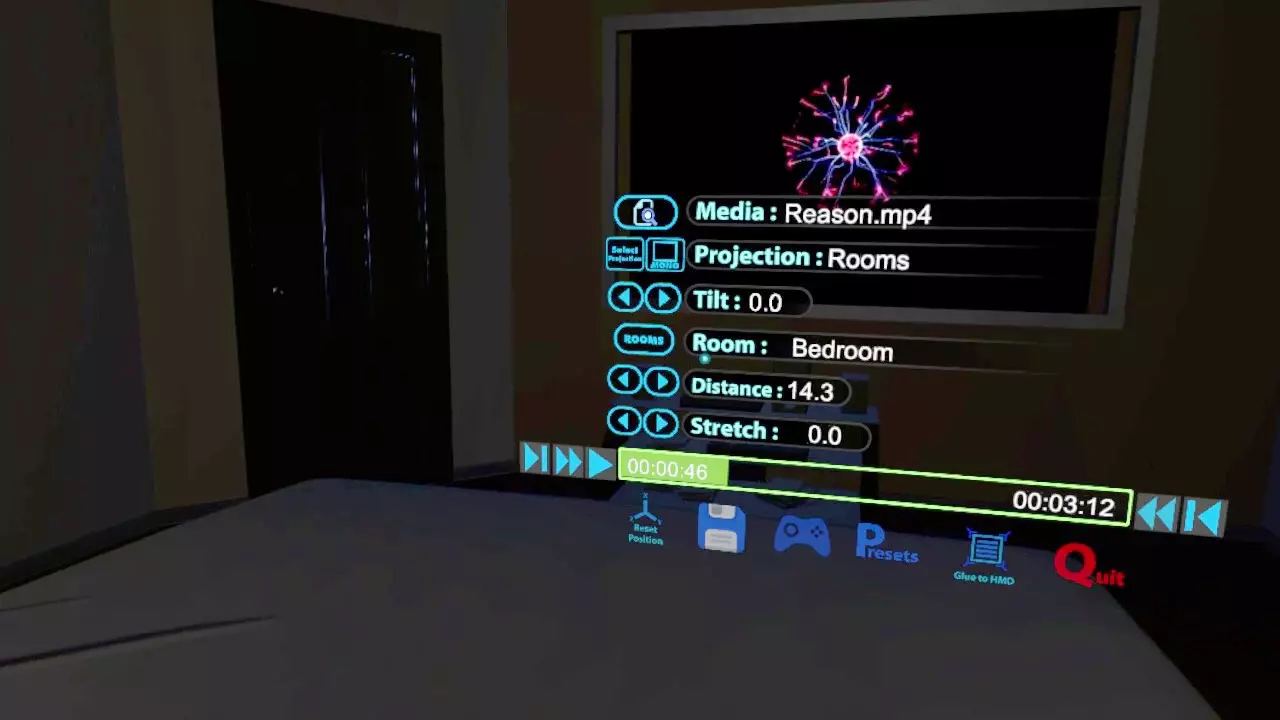
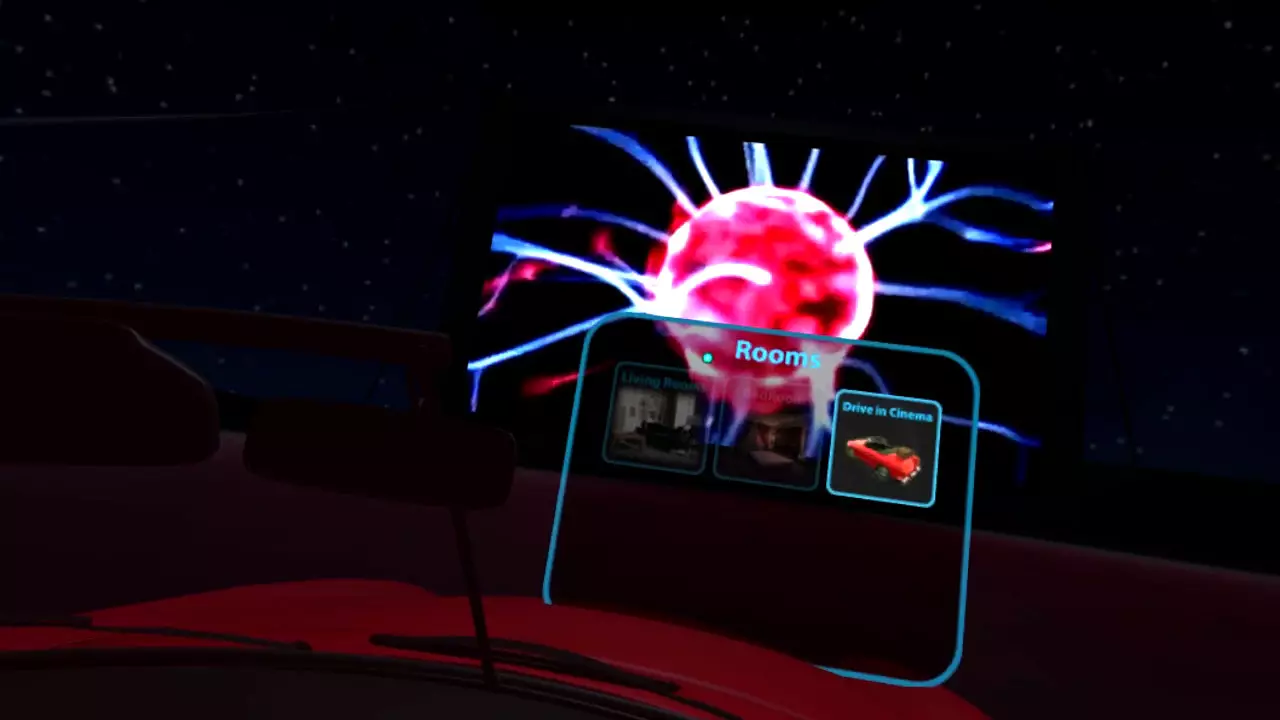
Custom Enviroments/Rooms
Home Cinema
Bedroom
Living Room
Custom Formats
Cube Map Horizontal Tee
Cube Map Horizontal
Cube Map Vertical Tee
Cube Map Vertical
Facebook Cube Map 3×2
Facebook Pyramid
GardenGnome Cube Map 3×2
Kodak PixPro SP360
LatLong 360×90
LG360
Octane
Panasonic A500
Ricoh Theta S
Samsung Gear 360
Vray Cubemap Invert
Vray Cubemap
Advice and guides can be found in the discussion forum.http:// http://steamcommunity.com/app/451650/discussions/
抢先体验部分手柄支持实用工具虚拟现实视频制作
※ 游戏本体及图像的版权均归原制作方所有

