VRCapture is a totally free tool to create amazing VR videos. Perfect for professionals and beginners, who really want to pull out great quality videos from vitural world.
When you are playing VR games or running VR applications, you can record the full scene with VRCapture and create immersive videos for everyone.
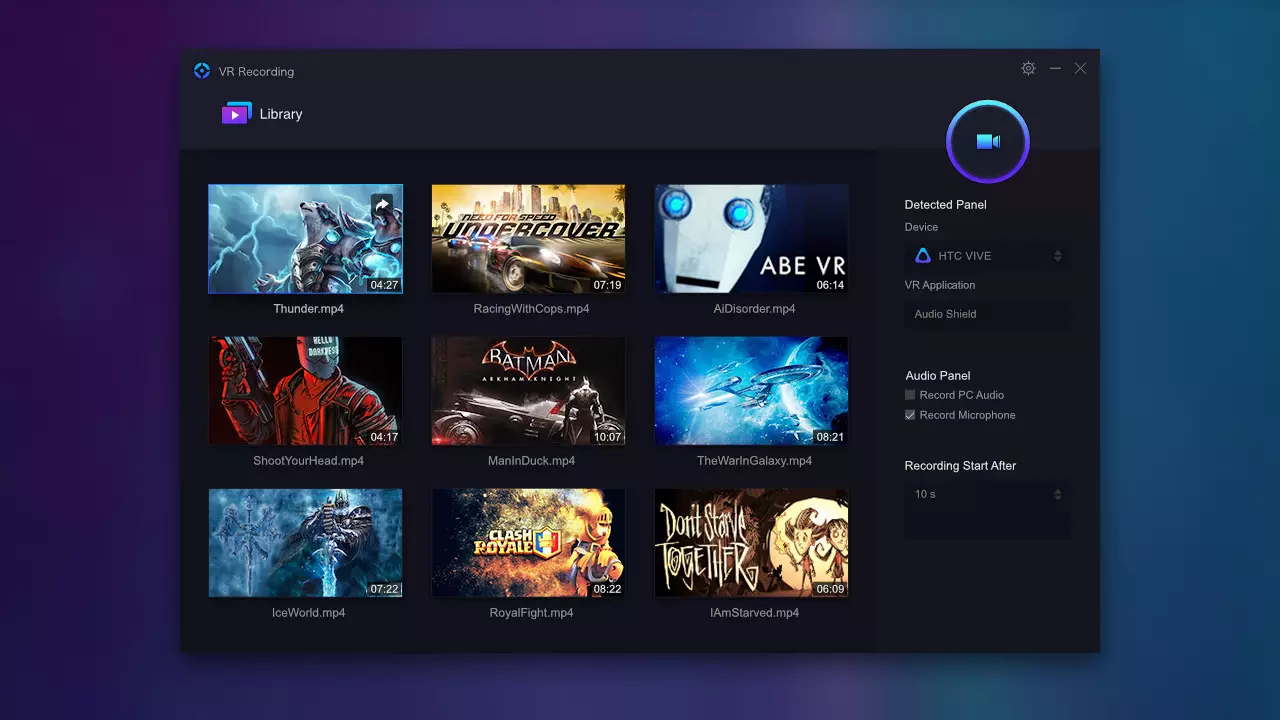
The recorded video, which is immersive, can be played on your computer or through HMD.
Also, YouTube-share option is available. Your family and friends can experience what you have experienced in virtual world with Cardboard or other HMD.Key featuresCapture videos in head-mounted display
Record multi-channel audio
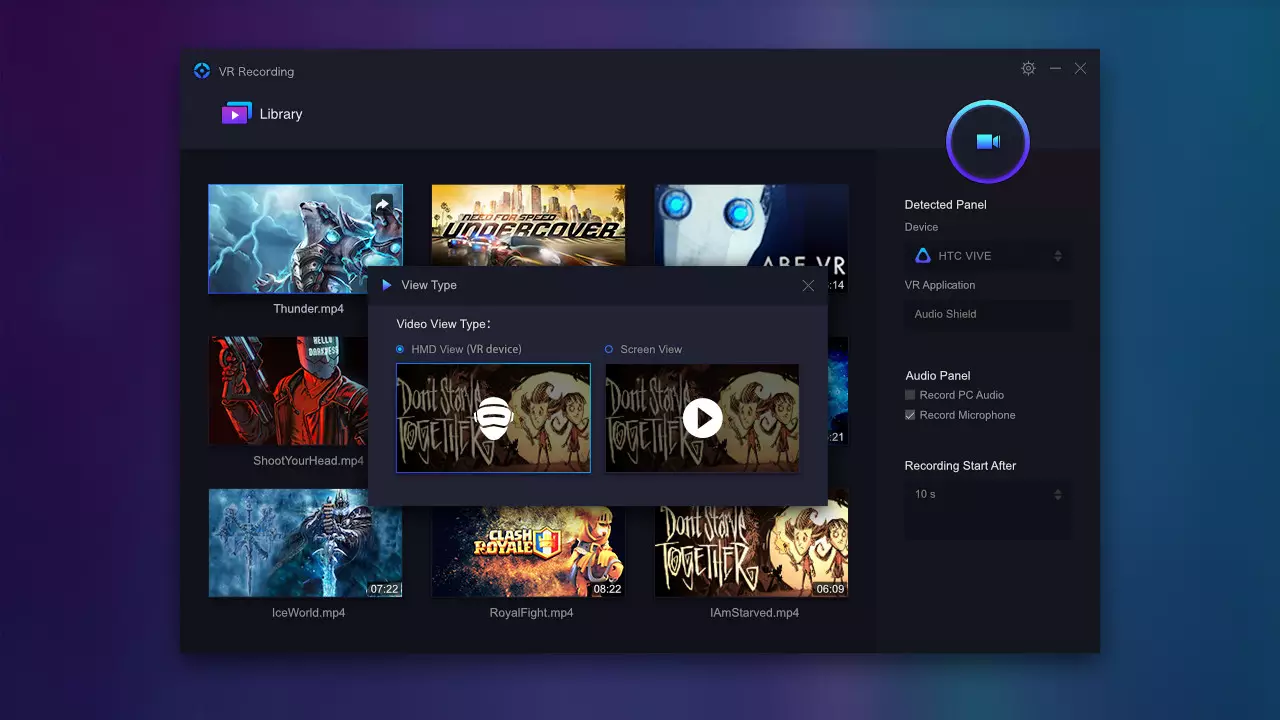
Play recorded video on HMD or PC
Share video to YouTube (cardboard view)
Compatible devices: HTC Vive, Oculus Rift CV1 and Oculus Rift DK2How it worksMake sure HMD is on and a VR application or game is launched
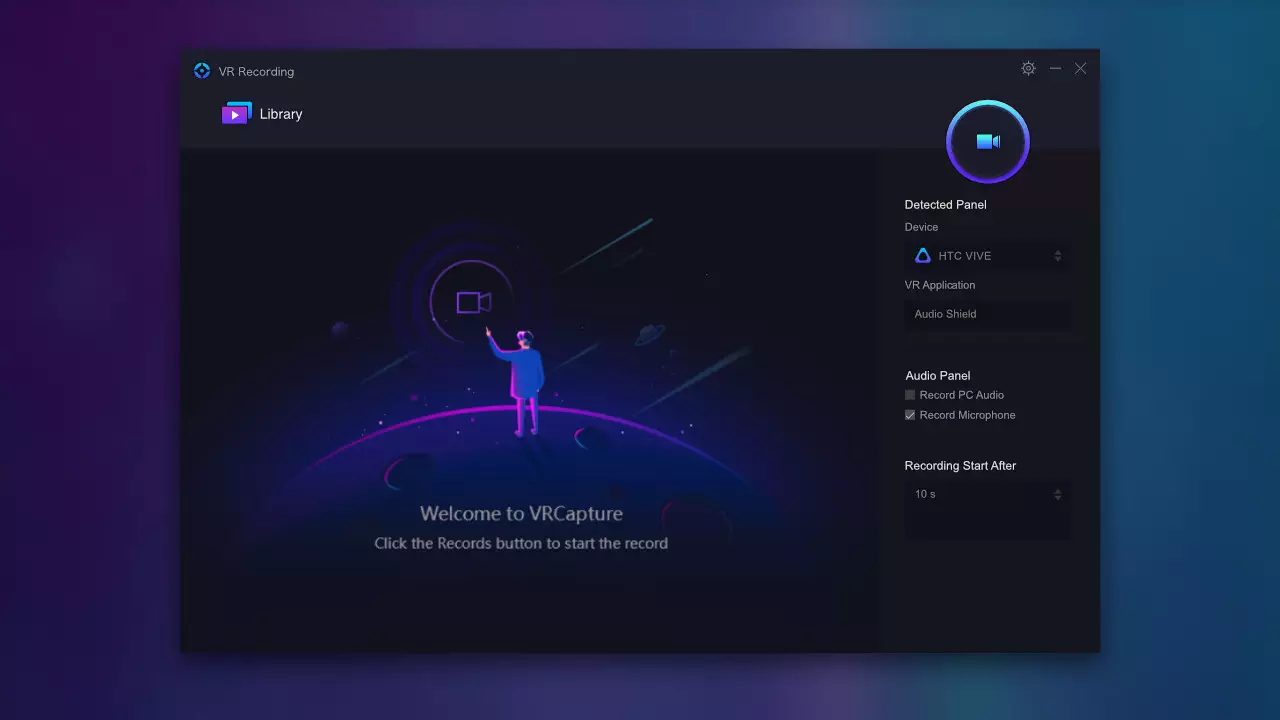
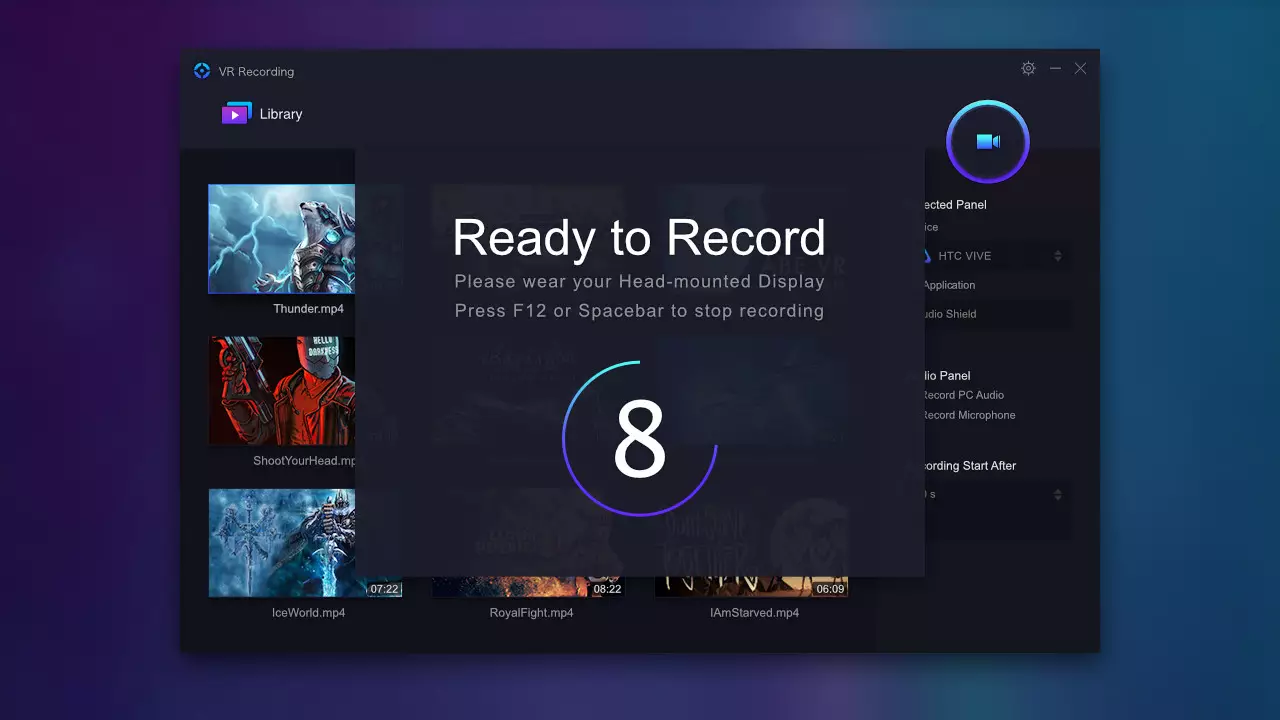
Click the Record button. It starts recording after the countdown hits zero(Shortcut key: Ctrl+F12)
Click Stop button to stop recording(Shortcut key: Ctrl+F12)
Double click to play the recorded video
Click the share button to upload the video to YouTubeSystem RequirementsNVidia GTX 970/ AMD R9 290 equivalent or higher
Intel i5-4590 or higher
Compatible with Windows 7 SP1 or higher
Compatible with 64 bit Windows
* Note: We have found that F-Secure and BitDefender have misdetection virus alarm of VRCapture. We are contacting them to remove the false alarm. VRCapture does not contain any virus or trojan. Before the alarm removed, please add this program to the whitelist.
完全手柄支持实用工具视频制作
※ 游戏本体及图像的版权均归原制作方所有
※ 内容贡献者名单:Steamer

