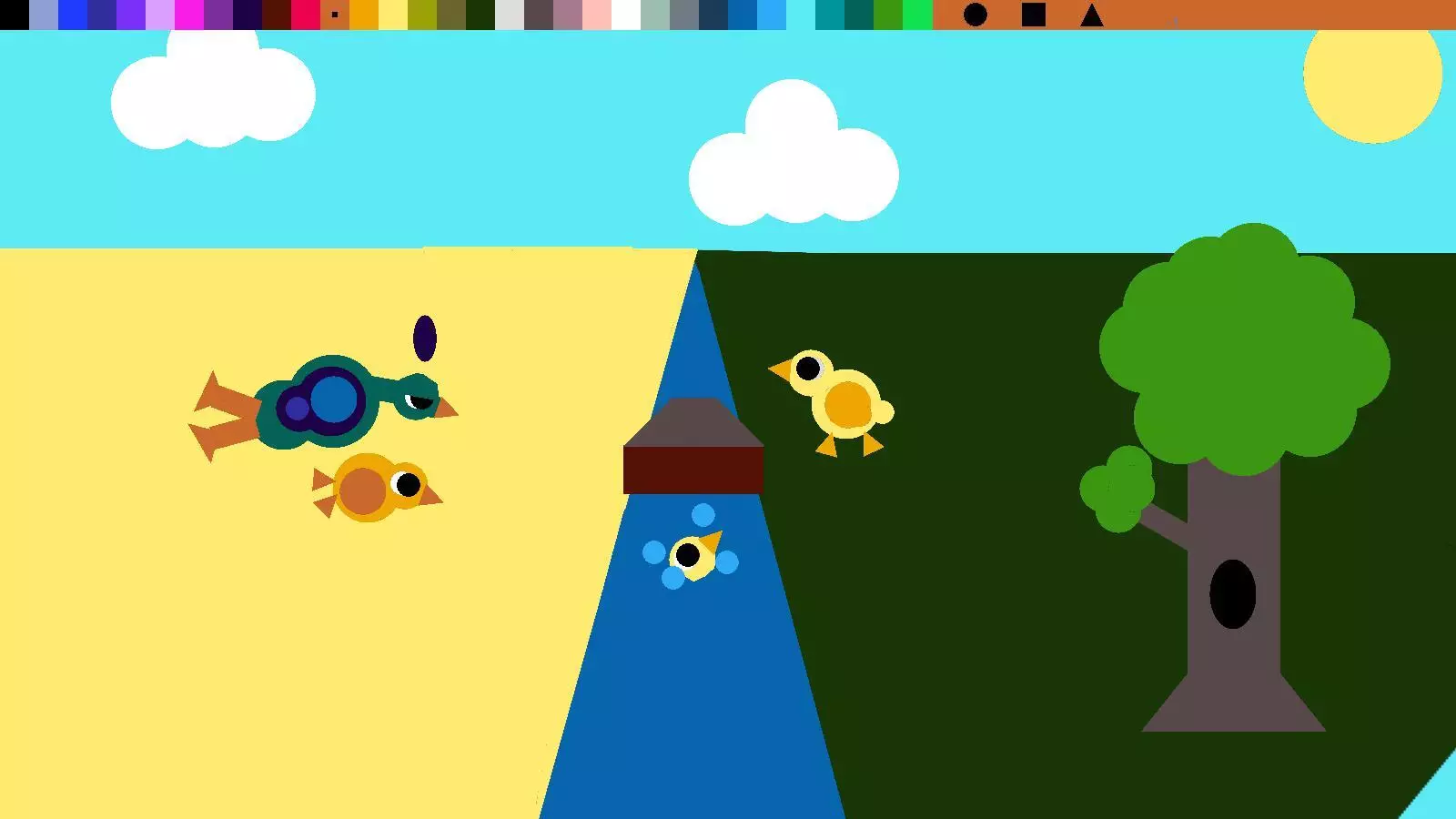
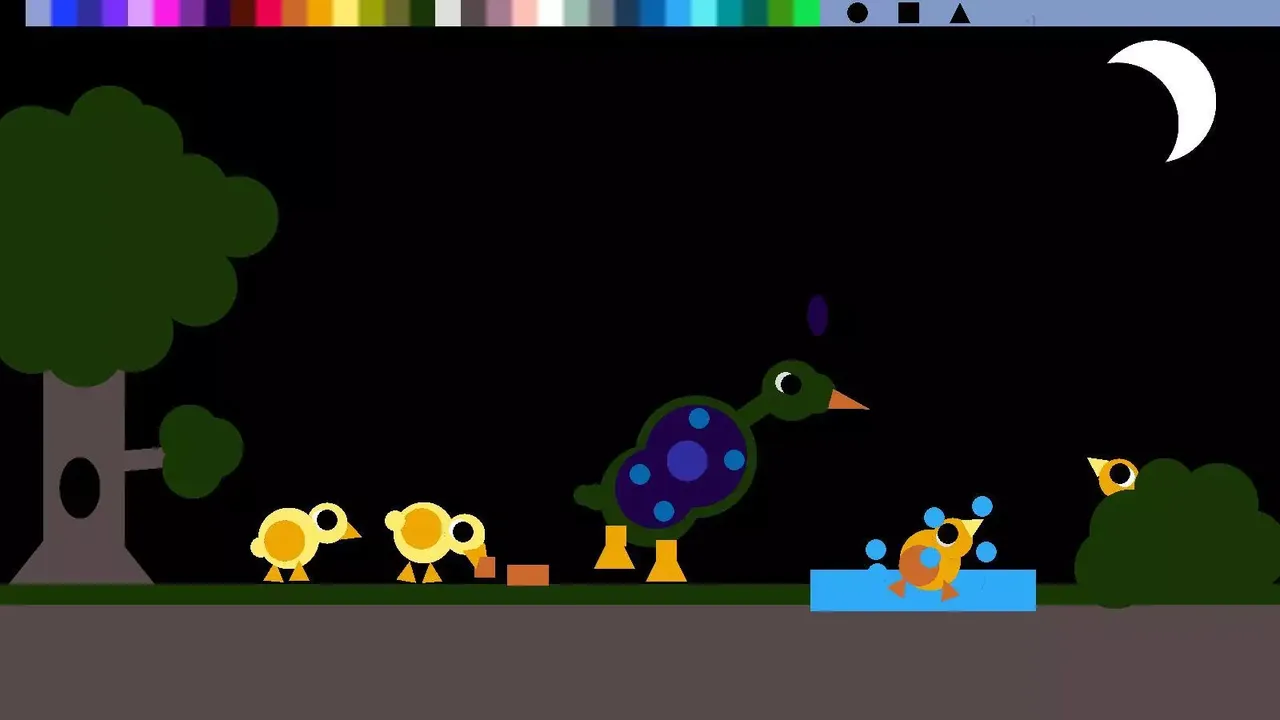
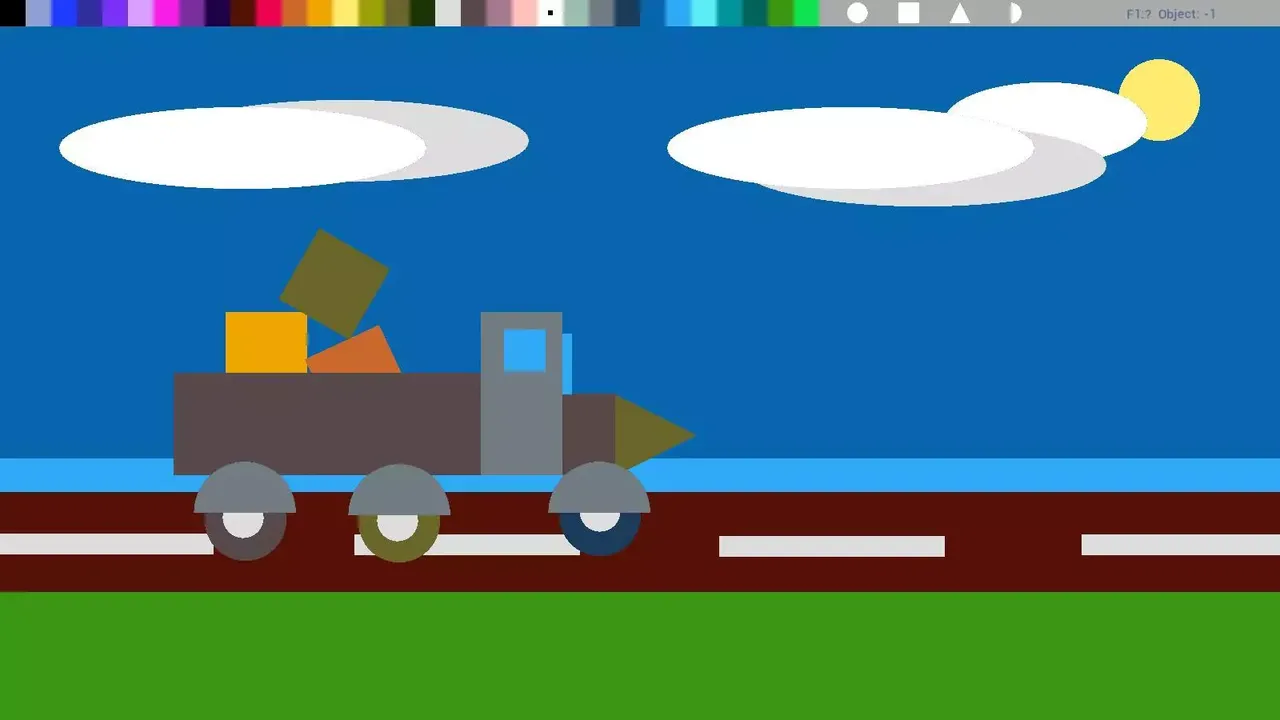
Primicture is a picture editor for elementary or middle school children to learn about basic geometric shapes. Add shapes, drag them around to create your masterpiece!
USAGE:
Mouse, mouse buttons, wheel and combine them with CTRL and Shift key to draw and modify, put and get shapes. Delete key to remove a shape. That’s it.
in some browsers CTRL key is used for zooming. In that case, use arrow keys to modify shape or download windows executable version for easier editing.
There are plenty of Keyboard Shortcuts to make children easy to modify a shape:
C,Y,0 = add Circle
R,K,4 = add Square/rectangle
T,U,3 = add Triangle
H = add Half-Circle
Arrow Keys= Widen/lengthen
Delete = remove object
Space= Cycle Color of an held object
Shift + left click on palette = Set back color
F = object to Front
B = object to Back
Shift / Ctrl + Mouse Wheel = Widen/Lengthen
Alt+left mouse click= move all objects together
Right Button = Put and hold the same object
X = Clear Canvas
Saving and loading:
S = Store image for edit later
L = Restore image and continue editing
F12 = Save/download PNG screenshot. (use opera/firefox if chrome resists)
under windows: ”
AppDataLocalPrimictureScreens”
Warning it will overwrite your old saves. Saving start from image1, and keeps going . But if you close and restart the program it will start from 1 again and overwrite your old pictures 😀 Sorry about that 😀
教育色彩鲜艳kidsartgameshapespainting数学drawinggeometrycut-outpicture
※ 游戏本体及图像的版权均归原制作方所有

