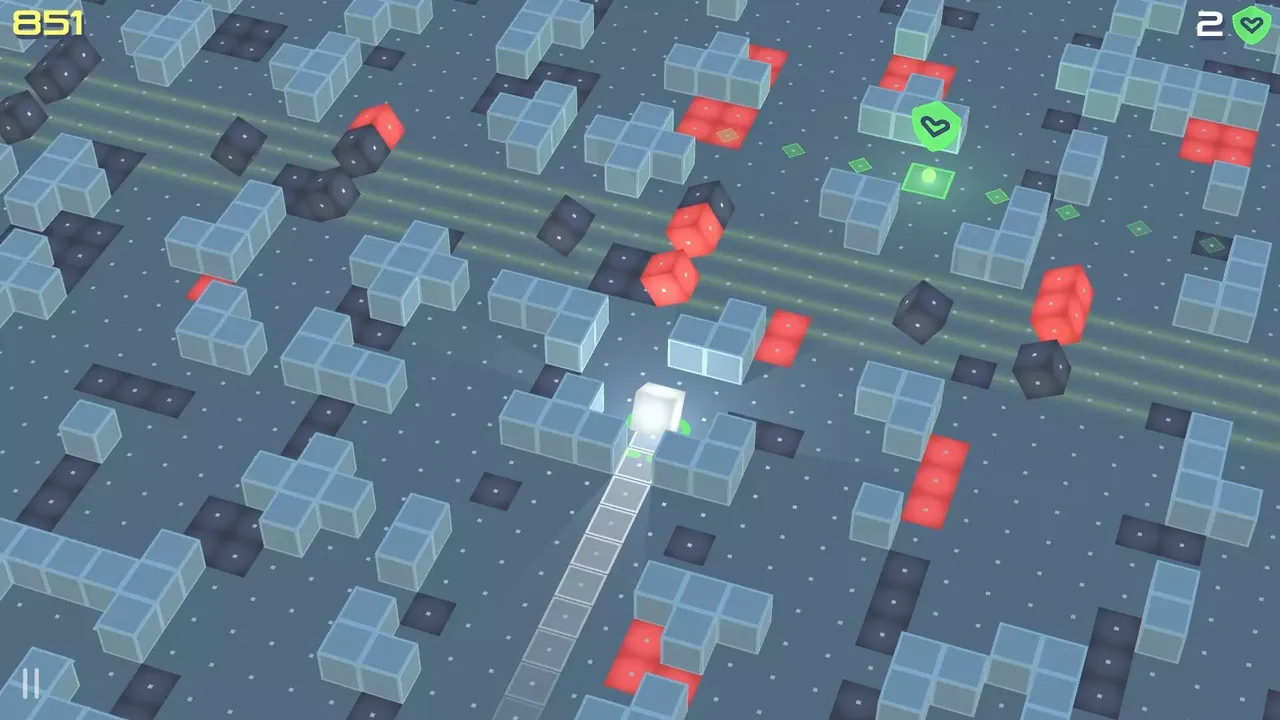
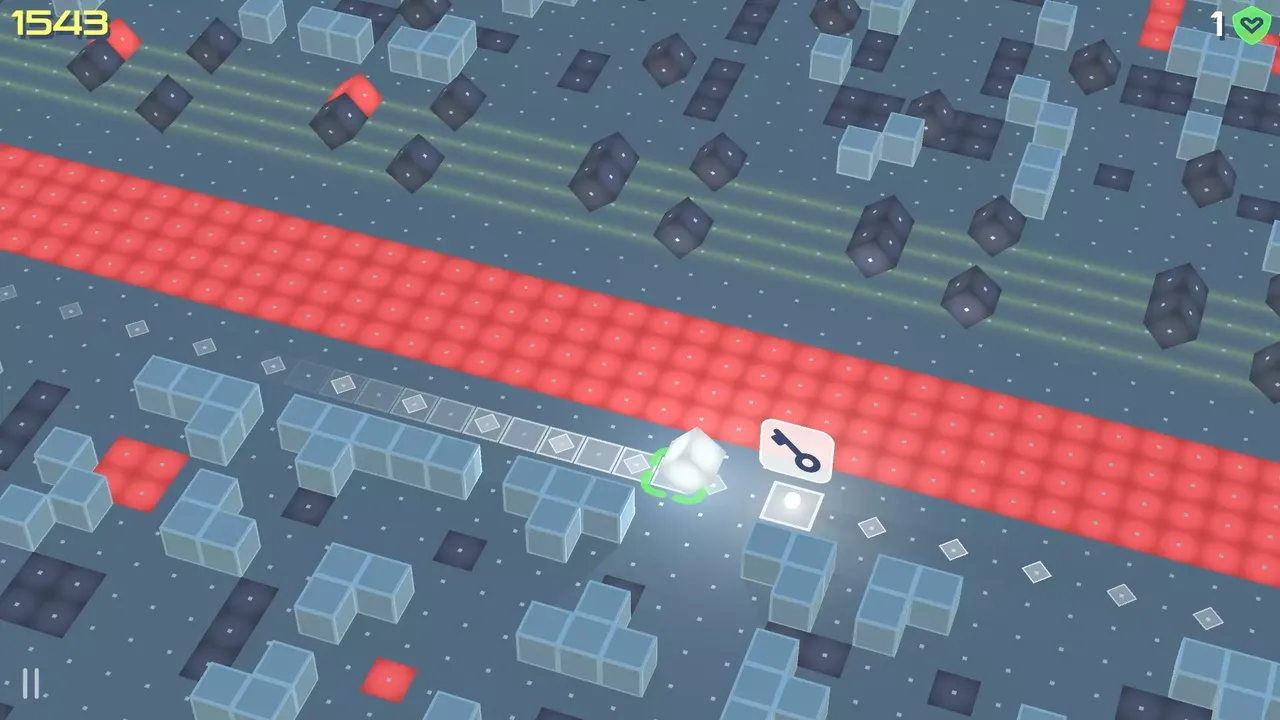
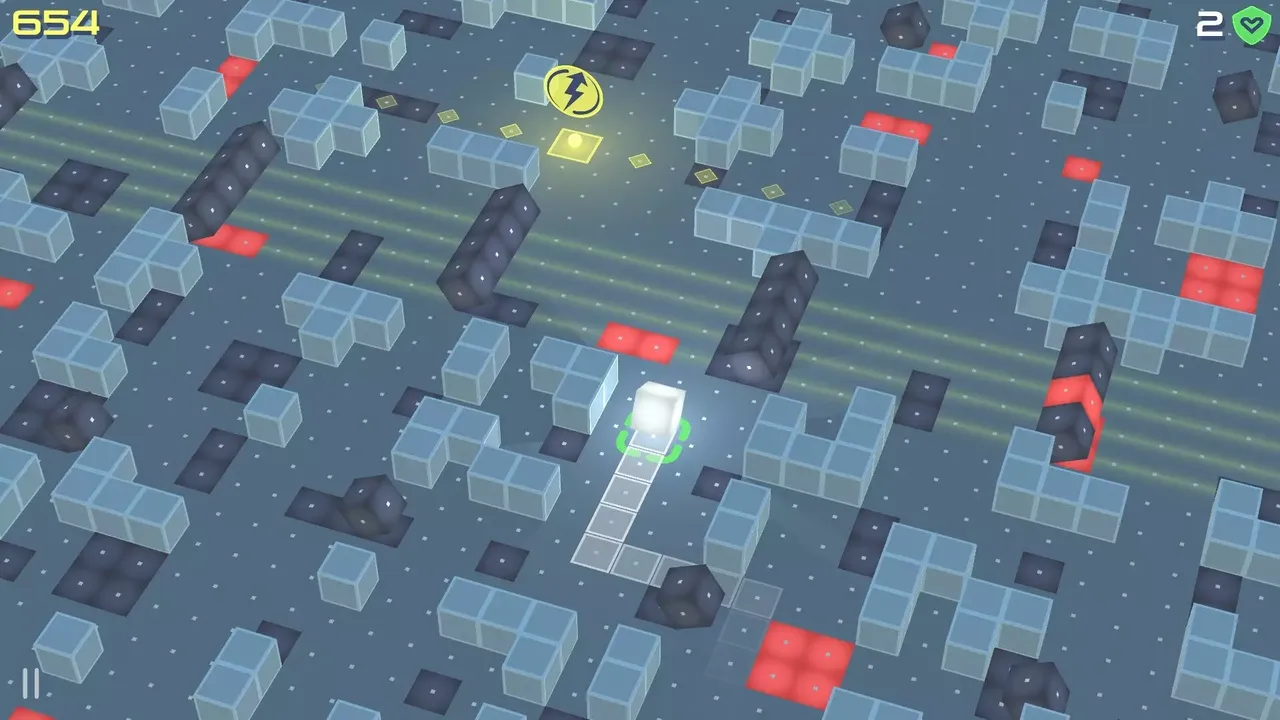
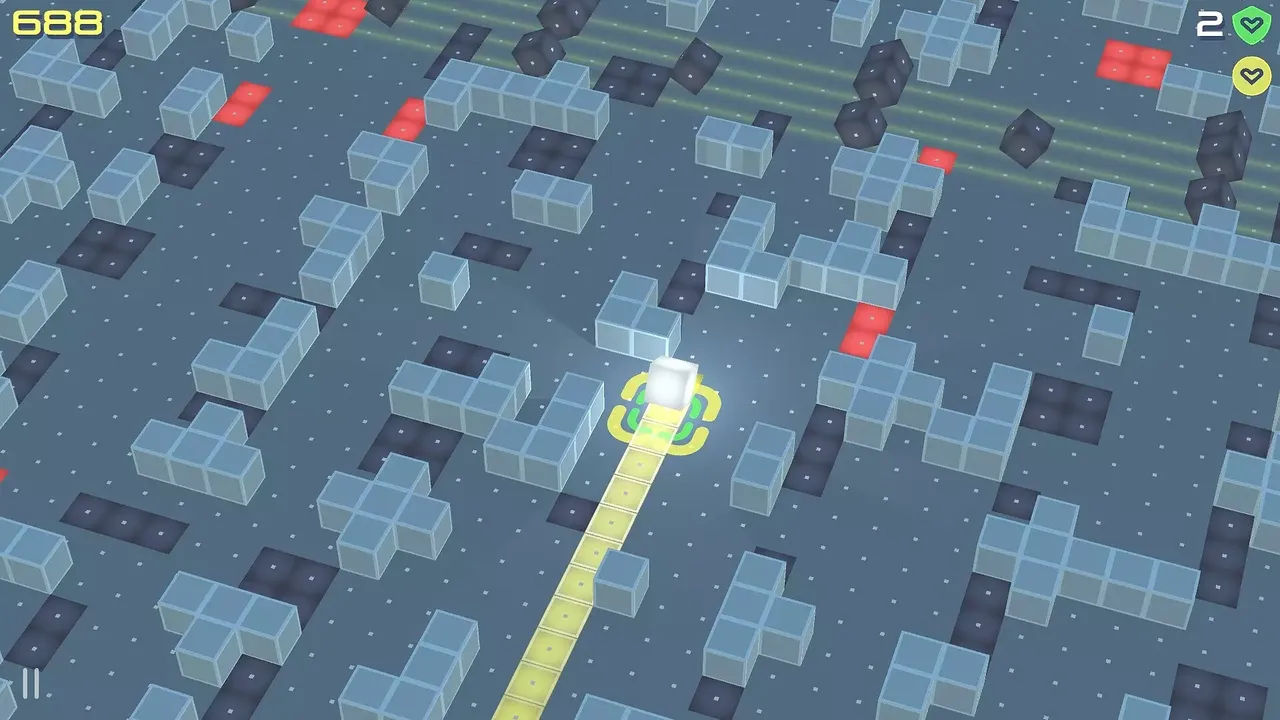
Experience an exciting endless rolling game where you must navigate through obstacles by moving left and right. Collect Life-Shields to protect yourself and increase your chances of progressing, but be aware that they won’t shield you from certain dangers. Take advantage of the Turbo Booster that will roll you along the turbo track through obstacles. Remember that some obstacles require key to pass them, so hurry to pick up key before getting caught by growing trap. Stay alert in this perilous world filled with deadly traps and rival boxes. Keep your box shining brightly as you roll through this thrilling adventure!
GAME FEATURE- Listen to 8 fun tracks on your way to new progress.
– Play using a keyboard, gamepad, or touch screen.
– Game controls also have a left-handed option.BRIGHT MINDS COLLECTION
– To open one card from “Bright Minds Collection”, you need to pick up 5 ACHV Charges.SPECIAL ITEMSGAME GUIDEThe user interface can be navigated using either a mouse or a touch screen device. Keyboard and gamepad inputs are limited to starting, pausing, resuming, and quitting the game. Movement controls are fully compatible with keyboards, gamepads, touchscreens, and mouse input (preferably a pen-type). Left-handed players can utilize alternative controls: “W, A, S, D” keys on keyboards and the left stick on gamepads. During pause mode, touch screen users can adjust the move controller to the left or right corner of the screen by pressing the “L or R” buttons. For better understanding, see the pictures below.
GAME CONTROL
To switch controller type, click on the controller icon.
Keyboard is selected by default.
KEYBOARD
Enter – Start
Space – Pause / Resume
Esc – Quit
GAMEPAD
Left & Right stick – Move control
South button “A or X” – Start / Pause / Resume
East button “B or O” – Quit
TOUCH SCREEN
Radial buttons – Move control
Lower left button – Pause / Resume
“L or R” button in pause mode – Fit radial control to left or right
支持手柄动作Steam 成就家庭共享独立游戏Steam 云存档极简主义适合家庭风格化3D3D 平台动作氛围感程序生成部分手柄支持等角视角Steam 排行榜基于格子的移动奔跑游戏Touch-Friendly单人模式
※ 游戏本体及图像的版权均归原制作方所有
※ 内容贡献者名单:Steamer