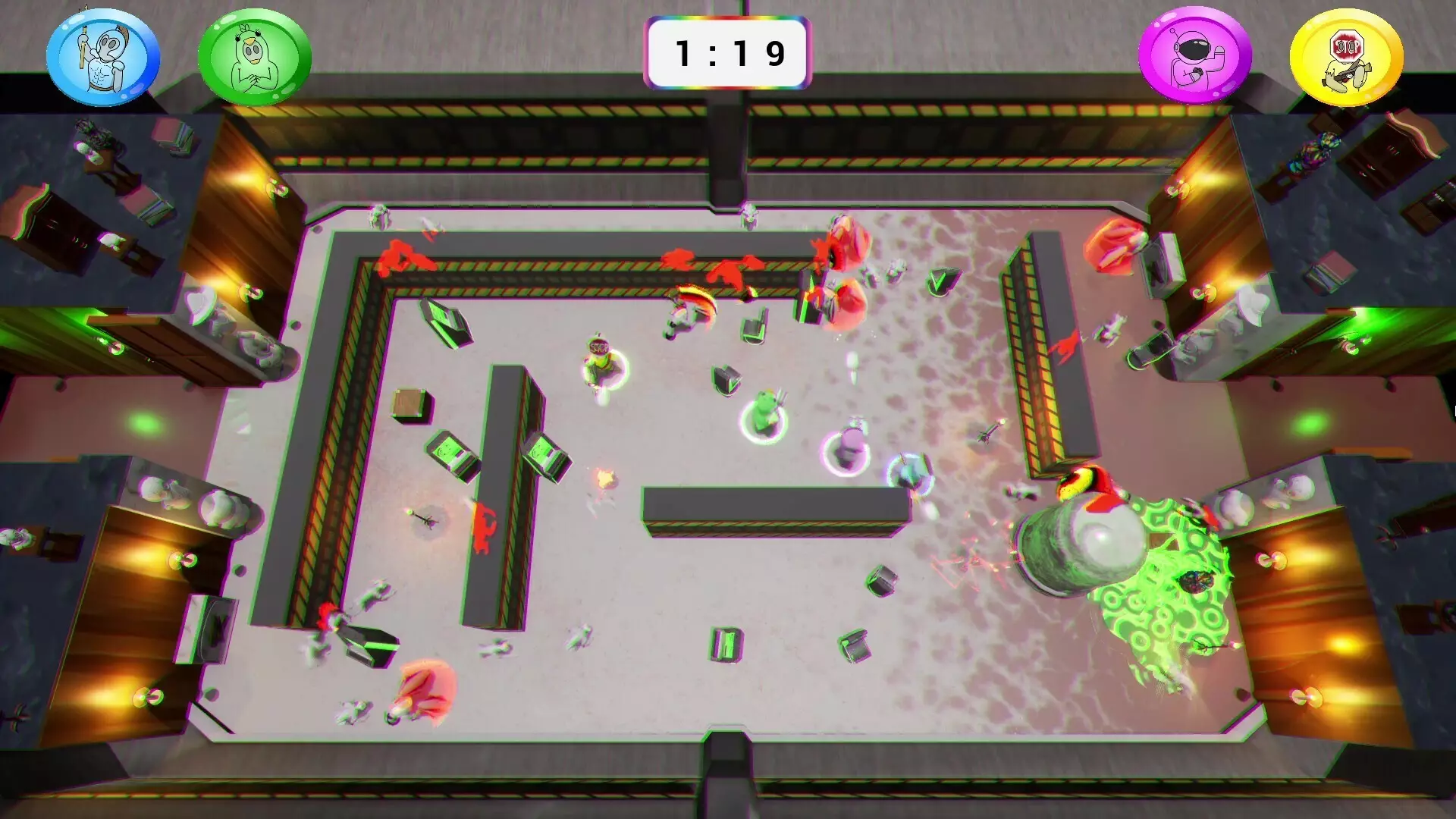
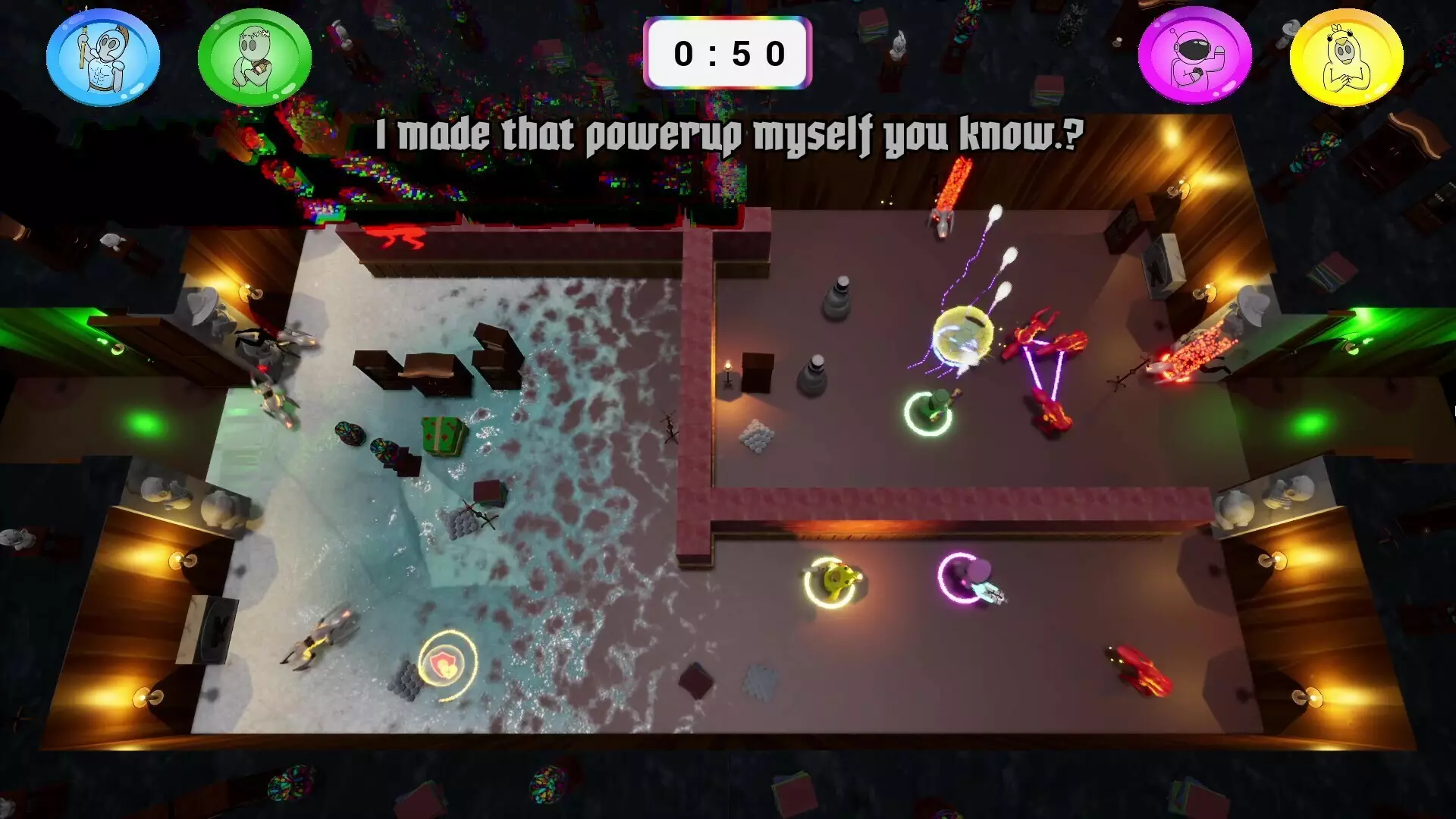
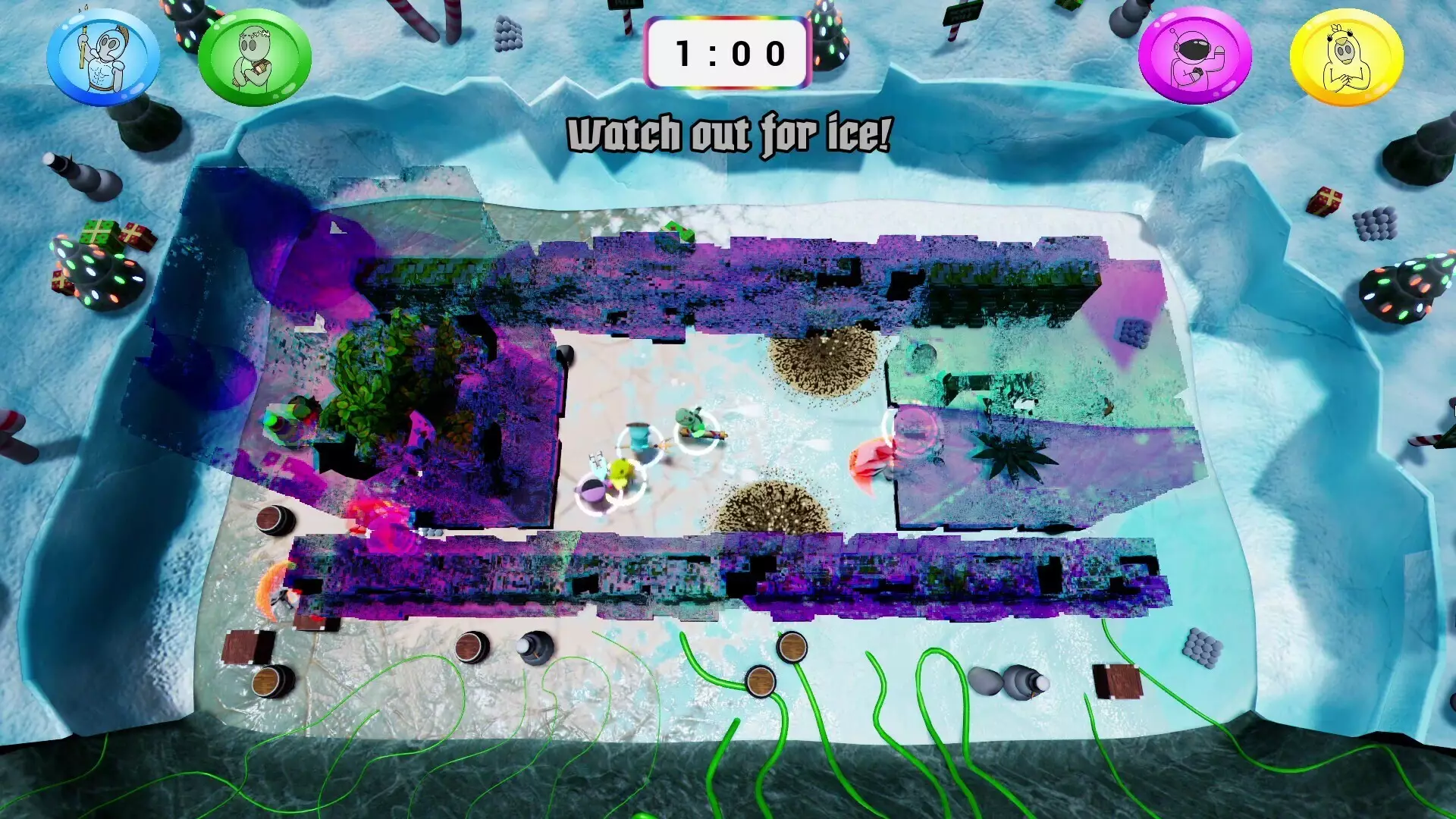
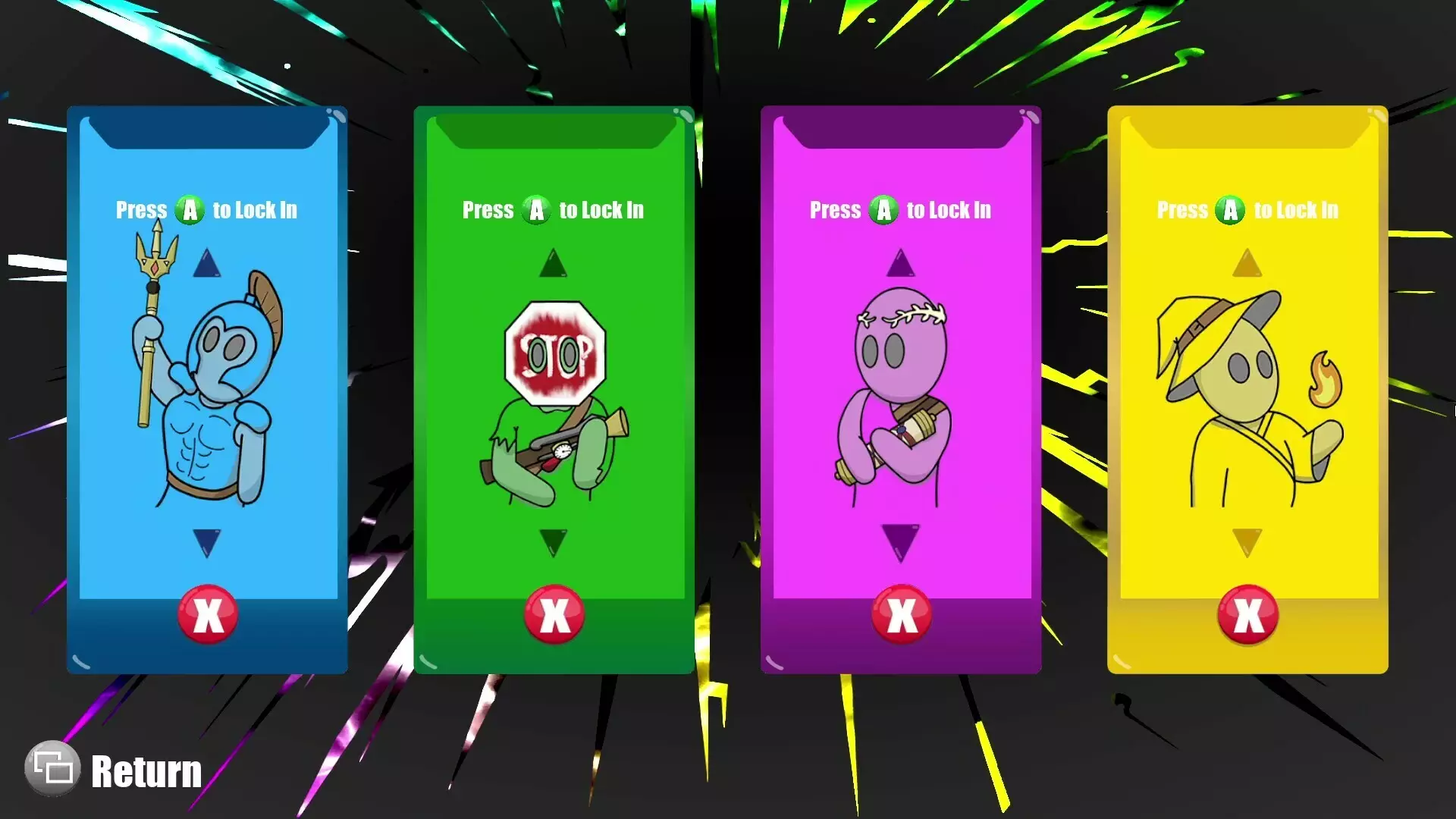
Twin-stick shooter roguelike with environment-merging levels! Play with 1-4 players in this wacky interdimensional gauntlet!Features1–4 Player Co-op Roguelike (Play locally or online with Steam Remote Play Together)Single Player: Use Mouse & Keyboard or ControllerCo-op: Controllers RequiredMultiple Difficulty Options (Try Your Best at “Mega”)Endless Waves of Diverse Enemy TypesDiscover Powerful Upgrade CombinationsSeamlessly Merge Into New Environments Mid-LevelSettingIn this 1-4 player, couch co-op, roguelike party game, you play as combatants being teleported against their will into a life-threatening arena by the scary, yet charismatic, “General”. With his prototyped teleportation technology malfunctioning, he sends wacky and unlikely environments from across the multiverse to merge onto the arena as the levels progress. GameplayExperience fast progression, permanent powerups, and procedurally generated levels commonly found in the roguelike genre. Rather than exploring larger areas in longer levels, you must instead survive with your team in a small top-down arena. This arena will shift and glitch between environments for two minutes while waves of enemies are sent by the “General” to test you. It’s life or death, and freedom is waiting for you at the end!How to Use Controllers Other Than XboxConnect your desired controllers to the deviceFind Mega Dimension Ripper 9000 in your Steam libraryClick on the “Manage” button on the right side of your screenSelect “Properties”Select the “Controller” tab on the new windowClick the dropdown on the right side of the new windowSelect “Enable Steam Input” or “Use Default Settings”You can now close out of that window and play the game with various controller type* Some controllers may need to be plugged into the systemHow to Use Steam Remote Play TogetherFrom the Friends tabWhen in game, press Shift + Tab to open steam overlayOpen the “Friends” tab at the bottom of the screenRight click on friend you want to inviteSelect “Remote Play Together”From the Remote Play Together tabWhen in game, press Shift + Tab to open steam overlayOpen the “Remote Play Together” tab at the bottom of the screenSelect Invite a FriendSelect up to 3 friends you would like to inviteSelect “Confirm”
支持手柄Roguelike动作Steam 成就夸张独立游戏不用拼手速适合家庭防眩晕镜头3D立体声多人模式奇幻分屏俯视角完全手柄支持科幻程序生成动作 Roguelike合作模式远程同玩教程可调难度永久死亡本地合作同屏/分屏合作动态叙事本地四人游戏旁白弹幕游戏机甲电视畅玩双摇杆射击游戏单人模式
※ 游戏本体及图像的版权均归原制作方所有

