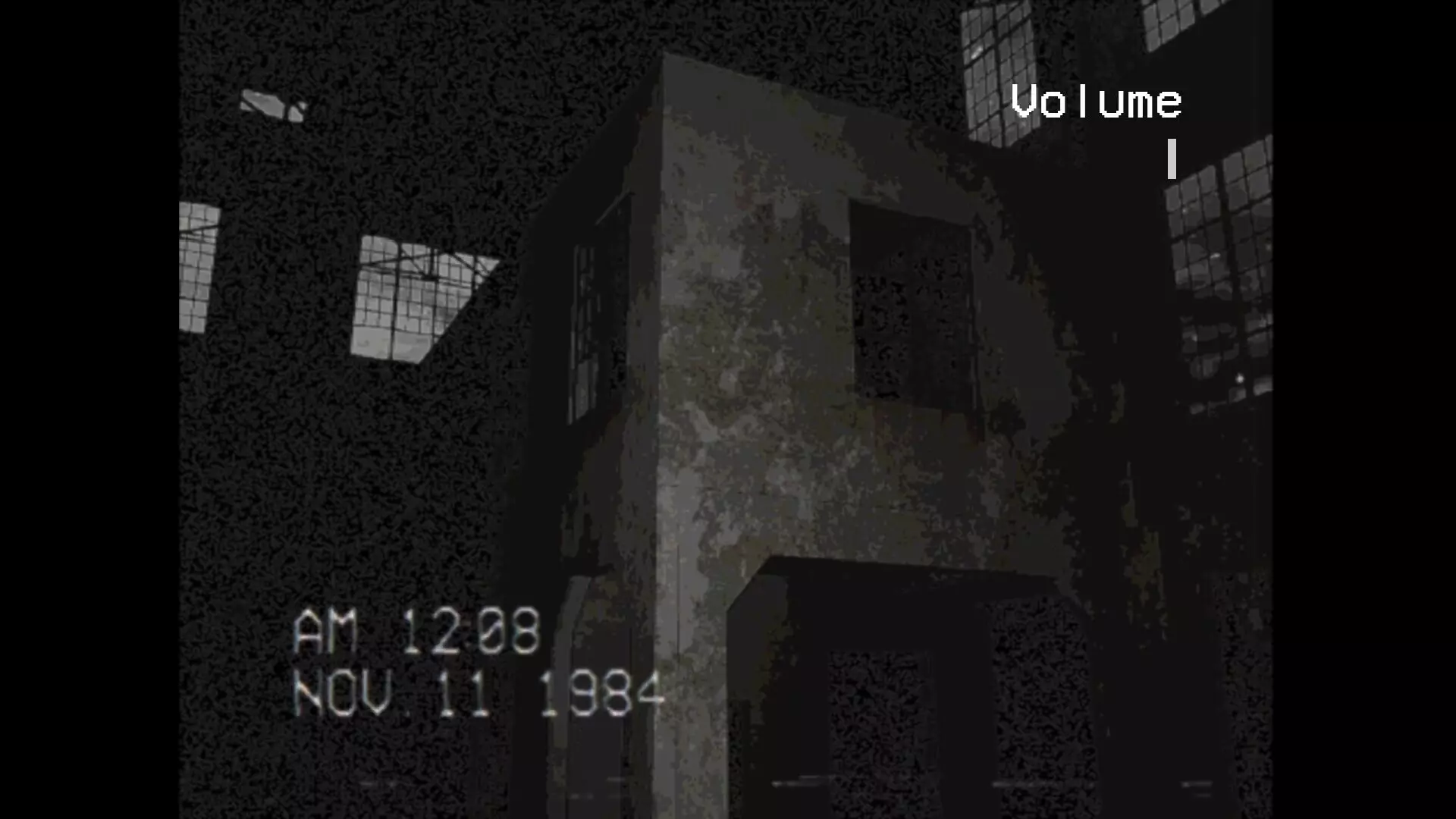
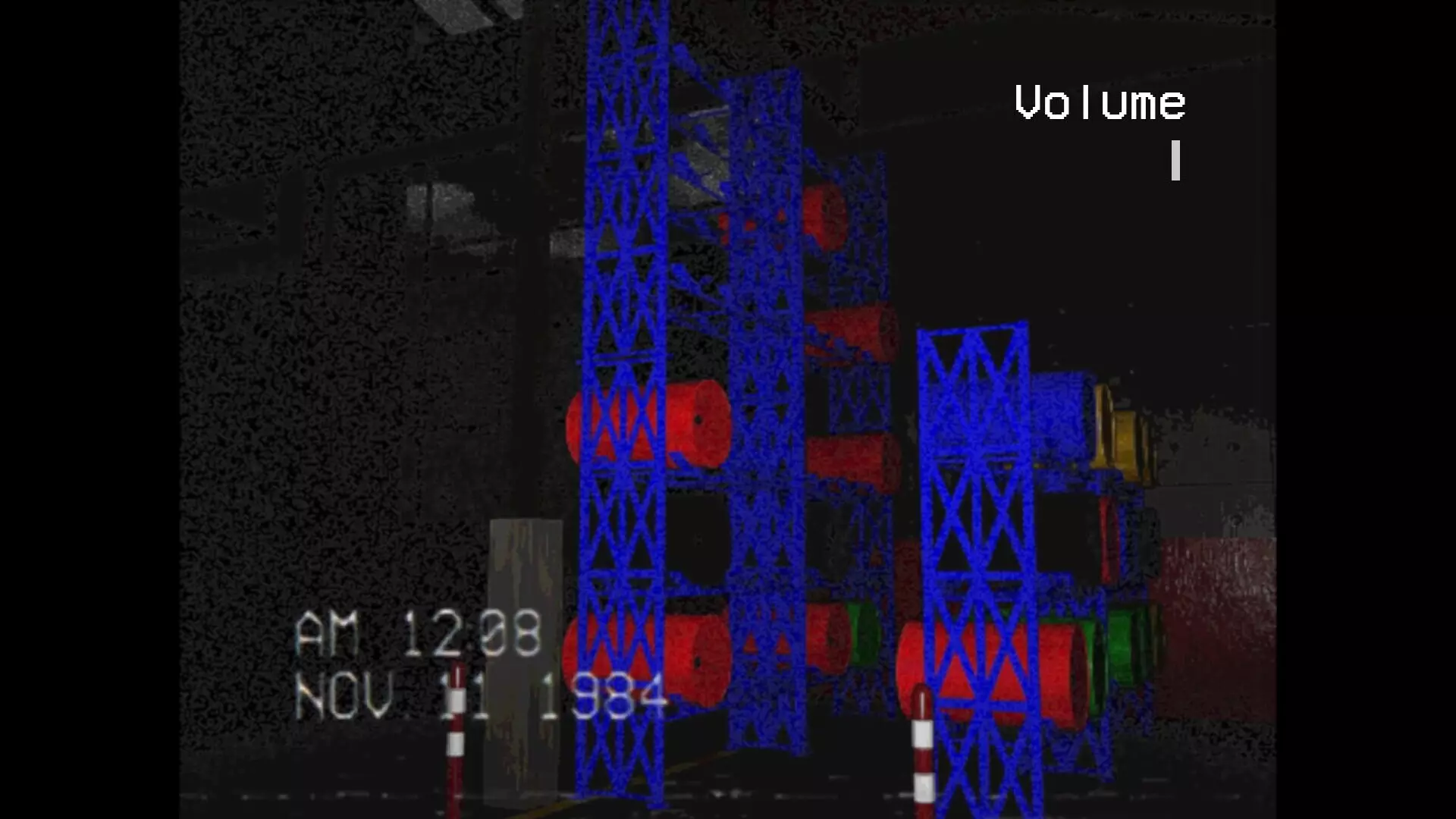
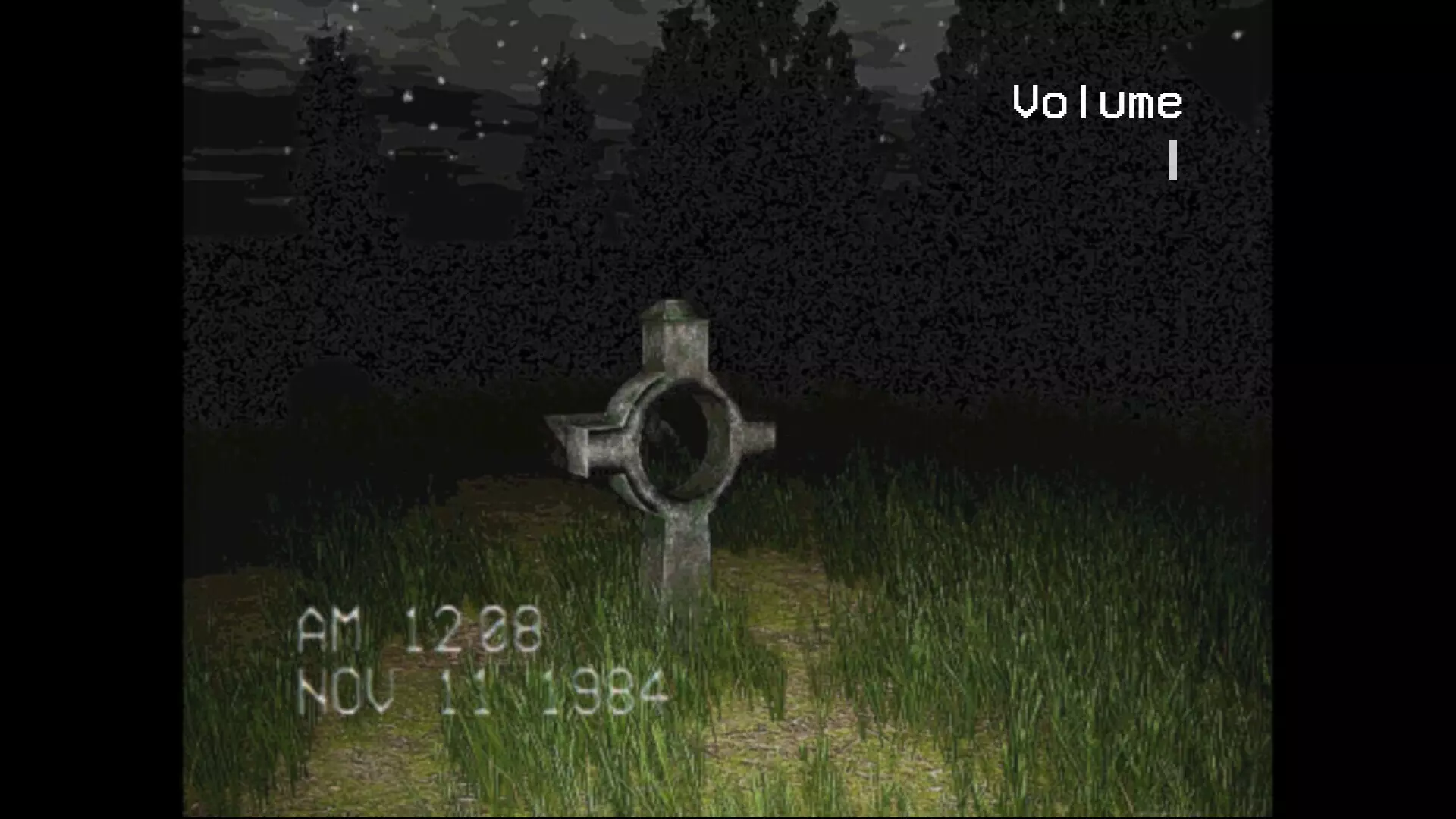
StoryYou arrive at the edge of the forest—the last known location of a set of bloodstained documents tied to a brutal murder. The air is thick with decay. The silence, oppressive.Scattered pages lie on the ground, soaked in blood and dirt. Time is running out.You press on toward the warehouse.Inside, the victim’s body awaits—dismembered, each limb carefully positioned like a message from the killer. You gather the remains. It’s grisly work, but vital.With the evidence in hand, you turn toward the forest. But the path out is no longer the same.Someone—or something—is watching. And you must not scream.How to PlayStep into the role of a detective investigating the murder of a notorious crime boss. Search a sprawling forest and a decrepit warehouse for scattered evidence—including the victim’s body parts. Once you’ve found everything, escape back to the station before it’s too late.But be warned:
Your microphone is your enemy. Make a sound, and you might not survive.FeaturesMicrophone Detection
Speak or make noise, and the game reacts. Stay silent… or suffer the consequences.Found-Footage Visual Style
VHS-inspired horror with analog distortion and gritty aesthetics.Collect, Survive, Escape
Recover body parts, uncover clues, and escape before your time—or your silence—runs out.Survive the horrors that layhead
Gather evidence. Every piece matters.* If you want to change your microphone input *Windows 11 Open Settings Press Win + I to open Settings. Go to Sound Settings Navigate to System > Sound. Select Your Input Device Under the Input section, click the dropdown under Choose a device for speaking or recording. Select your preferred microphone.Test Your Mic Scroll down to Test your microphone and speak. If the bar moves, your mic is working. Adjust Mic Settings (Optional) Click on the microphone, then adjust volume levels or enable enhancements if needed. Windows 10 Open Sound Settings Right-click the Sound icon in the taskbar and select Open Sound settings. Choose Your Input Device Under the Input section, click the dropdown and select your preferred microphone. Test & Adjust SettingsUse the Test your microphone section to check input levels. Click Device Properties for advanced settings.
支持手柄惊悚犯罪动作第一人称家庭共享探索收集冒险3D立体声冒险恐怖神秘侦探氛围感角色扮演游戏动作冒险生存调查恐怖生存环绕立体声恶魔单人模式

※ 游戏本体及图像的版权均归原制作方所有

