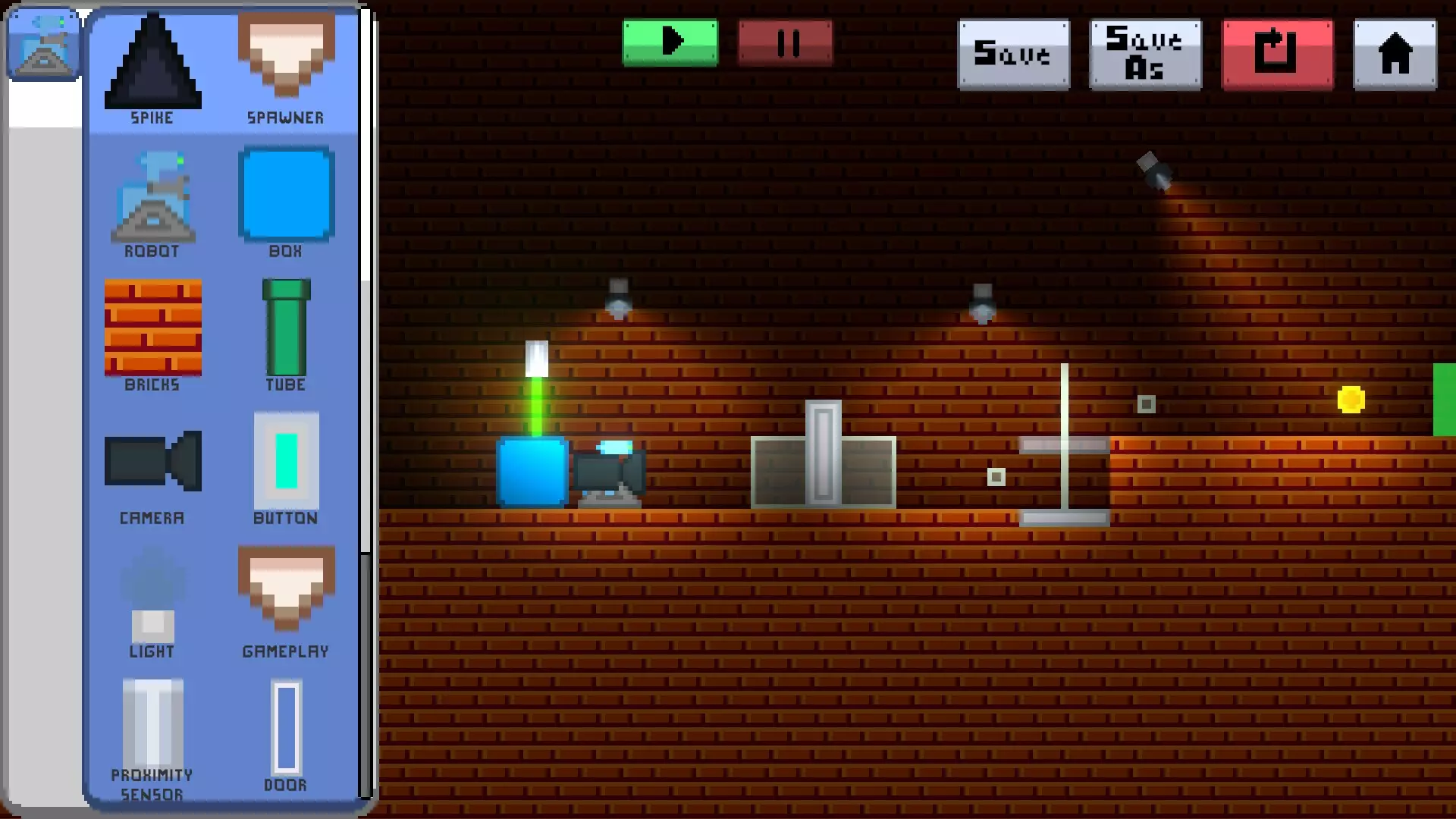
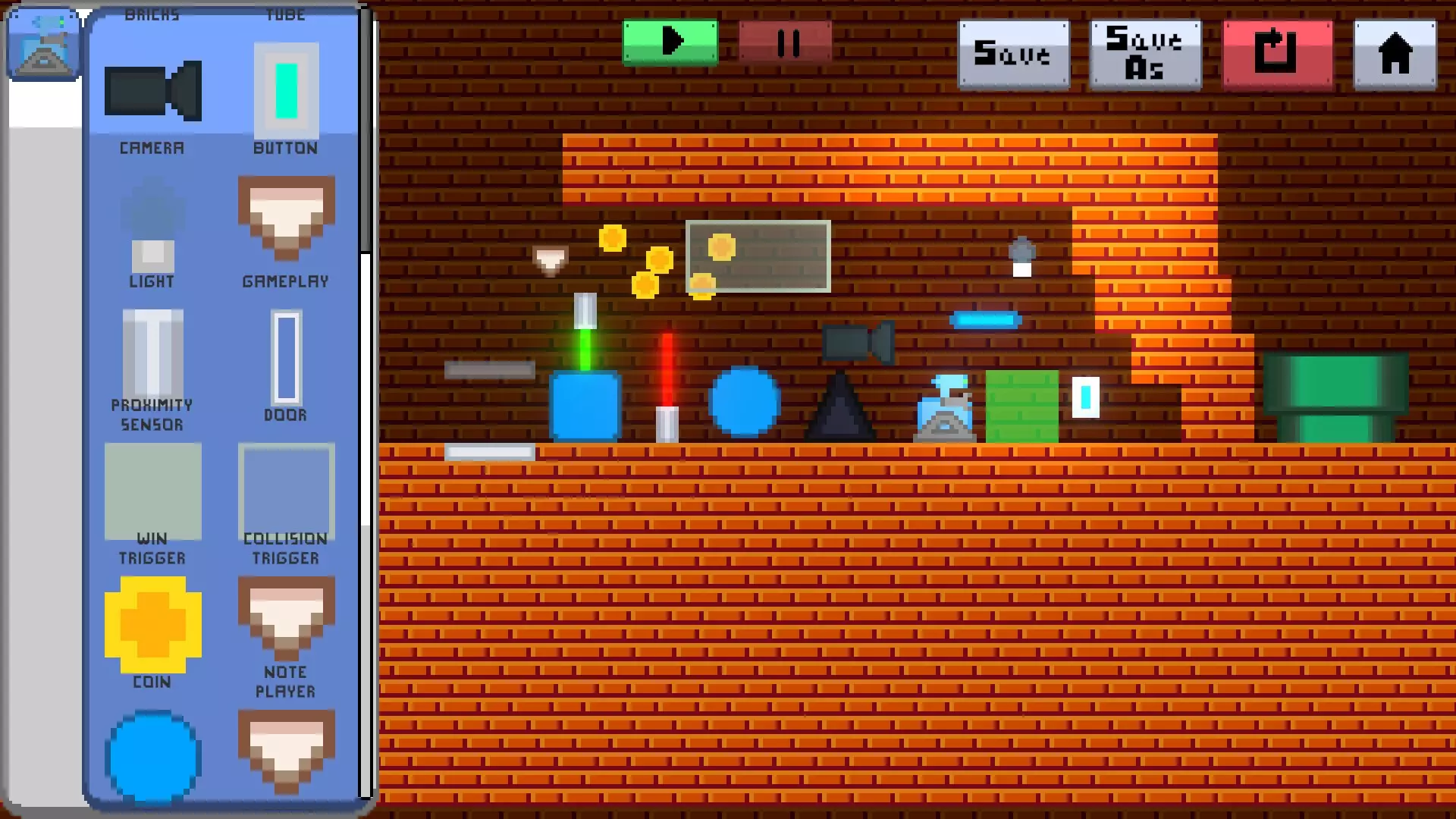
Build GamesBuild games using editor mode. Place static objects, physical objects and programmable devices that can interact with the player or other elements in the game. Create games or learn programming by playing!
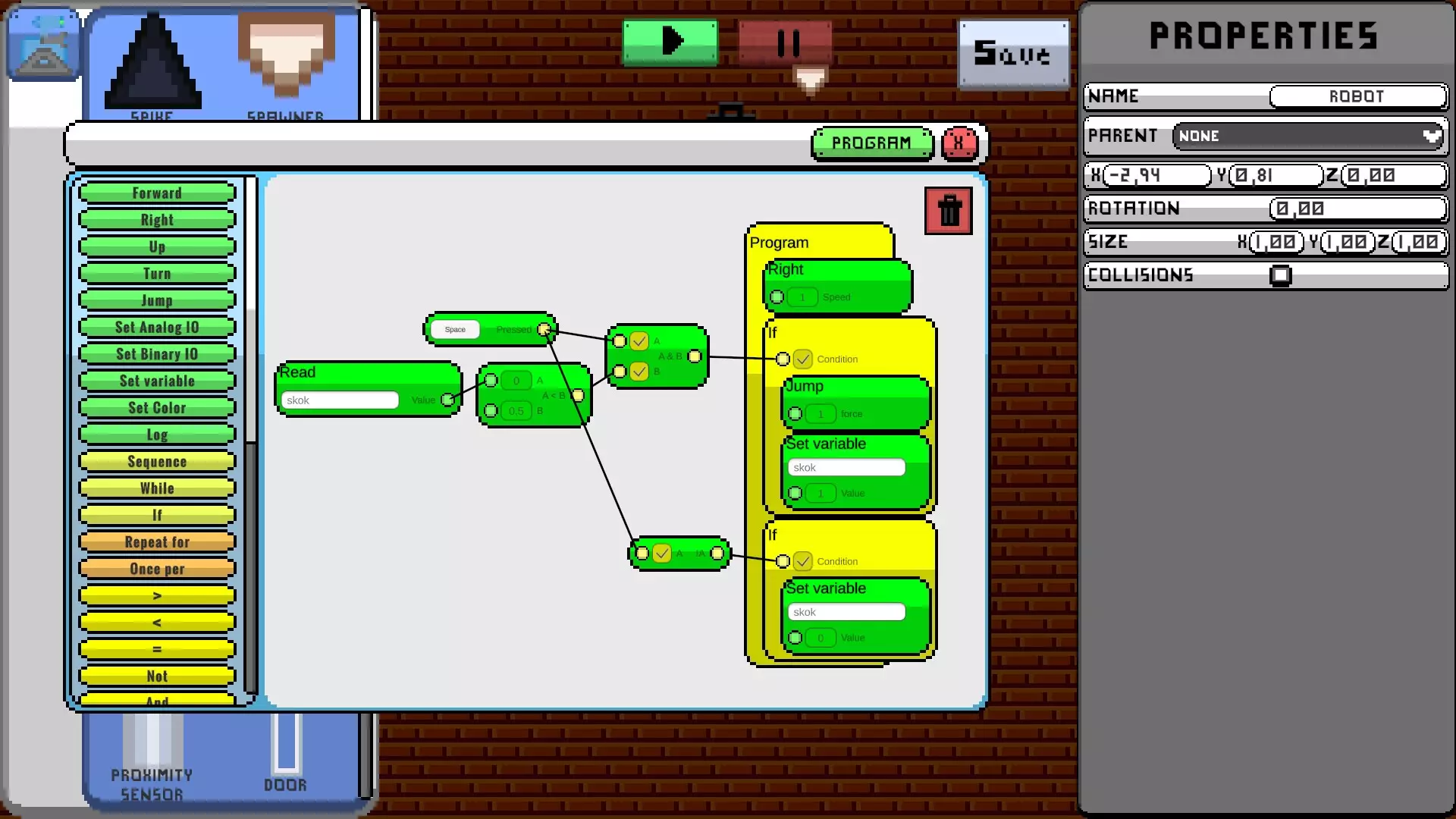
Visual ScriptingUse Visual Scripting to program devices. With many available blocks you can easily use player input, implement enemy behavior or even infinite coins spawner if you want.
Event BindingSome devices have event triggers and/or event handlers you can bind. Event trigger triggers event handler, while event handlers execute commands. Examples of event triggers are: button click, collision, detection sensor. Examples of event handlers, however, are: open door, game over, spawn object.
You can connect event trigger with event handler to easily use predefined behaviors without making scripts. For example, you can bind button click trigger with the door open handler. Clicking the button will open the door – simple, right?
PublishingOne of the best features in Edd-E is publishing! After creating game, you can publish it online, by simply clicking Publish – and its done! Everyone will be able to find and play your game.
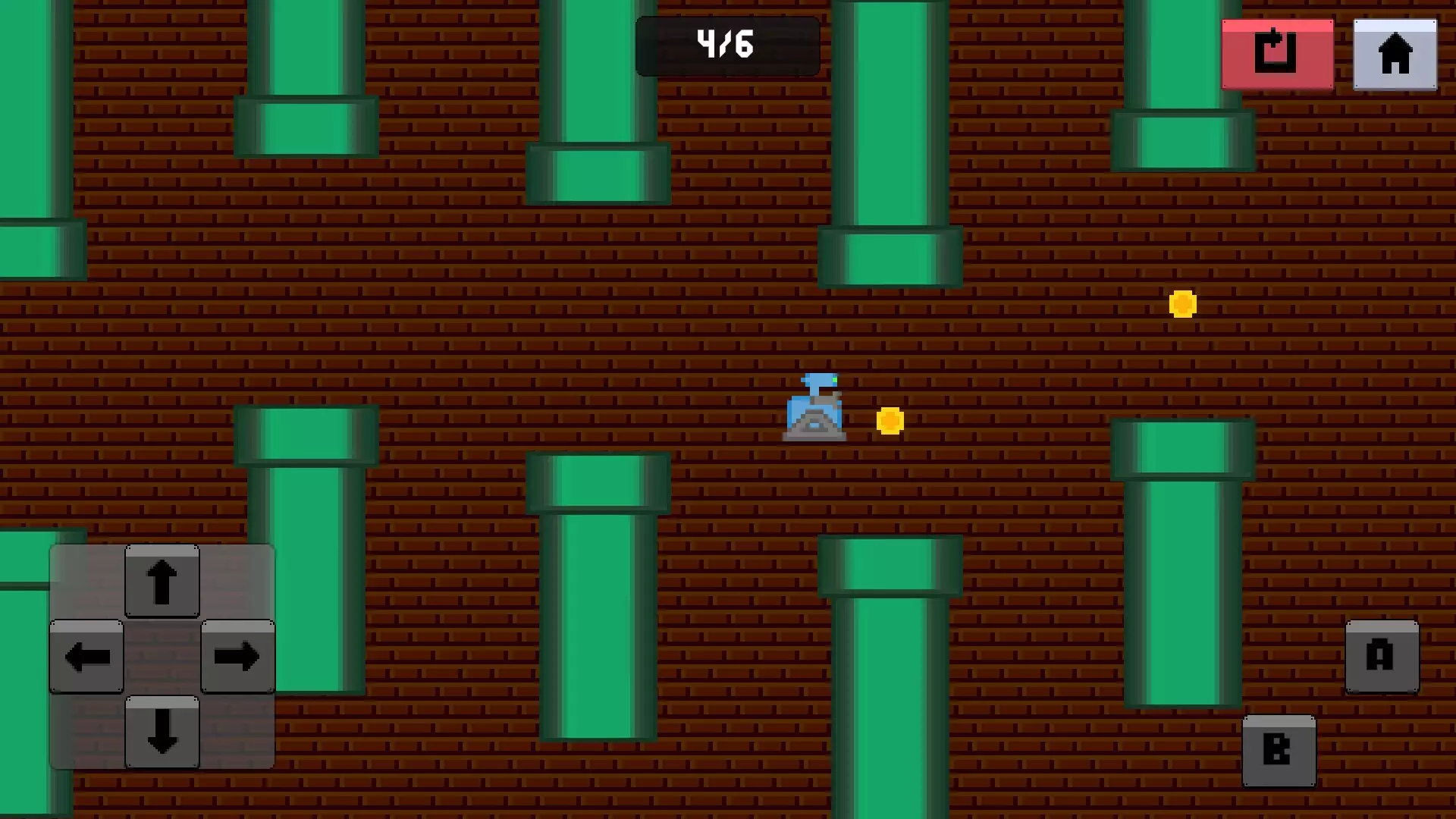
You can play games published by others, but also edit them, to make your own modification or learn how its made.
家庭共享独立游戏教育逻辑2D制作像素画面抢先体验沙盒建造关卡编辑器自动化机器人异步多人游戏模组化包含关卡编辑器游戏开发编程单人模式
※ 游戏本体及图像的版权均归原制作方所有

